Flight Alerter

Introduction
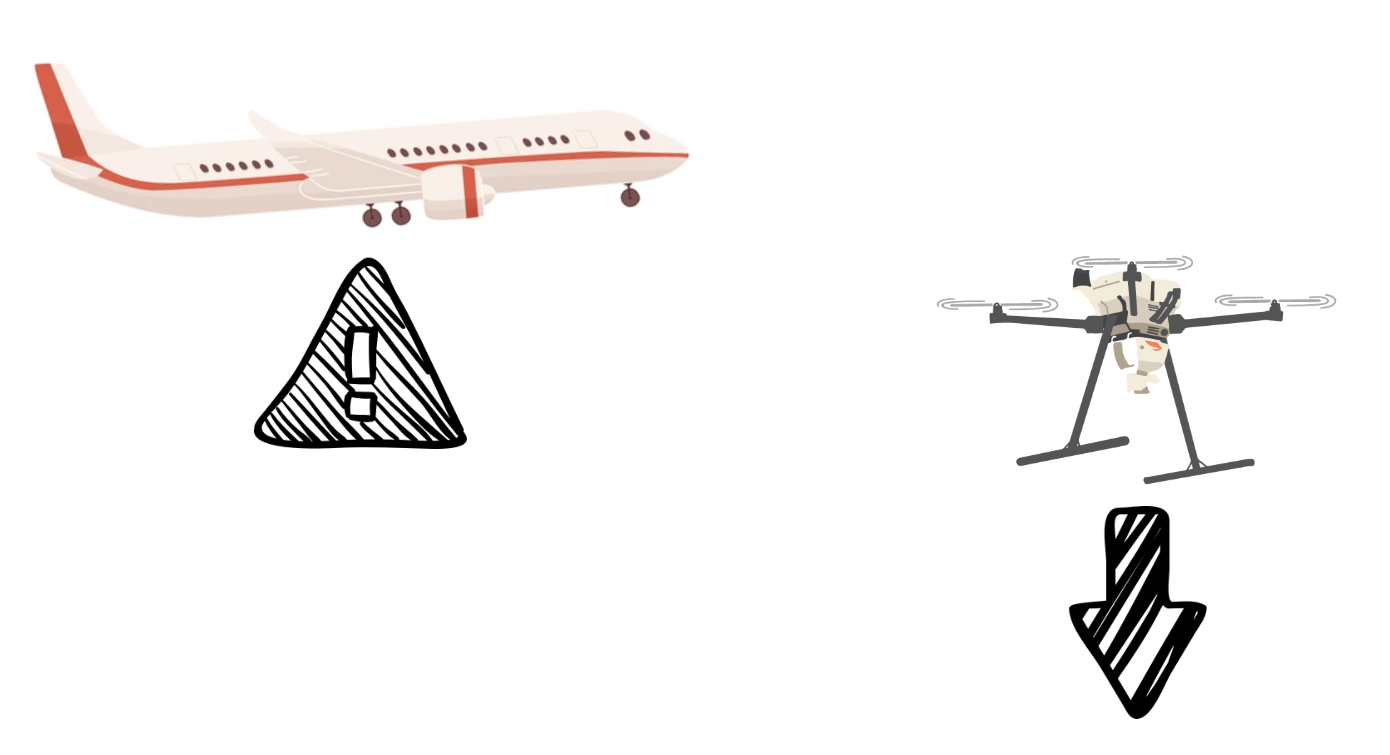
Flight Alerter augments your manned aircraft situational awareness while flying missions. The tool gives you advanced notice of aircraft that may be a threat to your mission — referred to as intruders.
- Caution alert — an audible tone when an intruder is detected, preparing you to take action.
- Warning alert — a second tone if the intruder continues toward your mission. When you hear a warning alert, perform an avoidance maneuver.
- All clear — once the intruder leaves, you’ll hear an all-clear tone indicating it is safe to resume the mission.
Access
### Navigate to Lumos via Okta
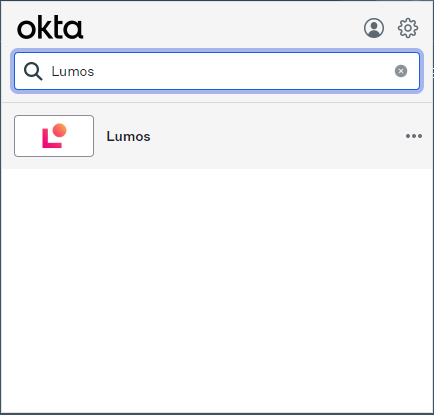
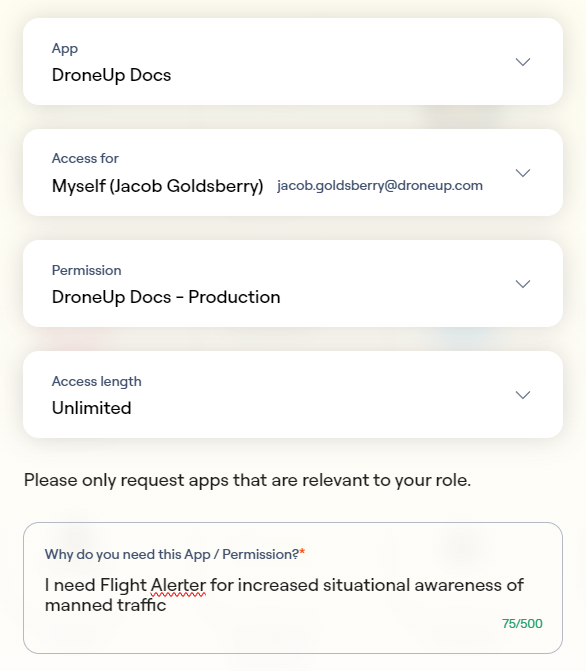
### Search for DroneUp Docs
We use the same roles and permissions for the documentation tool and the Flight Alerter app.
https://app.lumosidentity.com/app_store

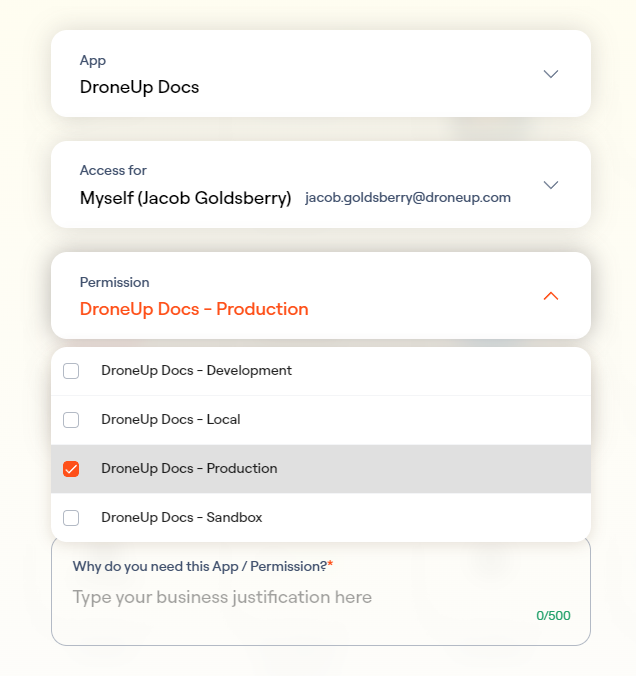
### Select "DroneUp Docs - Production" as the permission
https://app.lumosidentity.com/app_store?domainAppId=968913
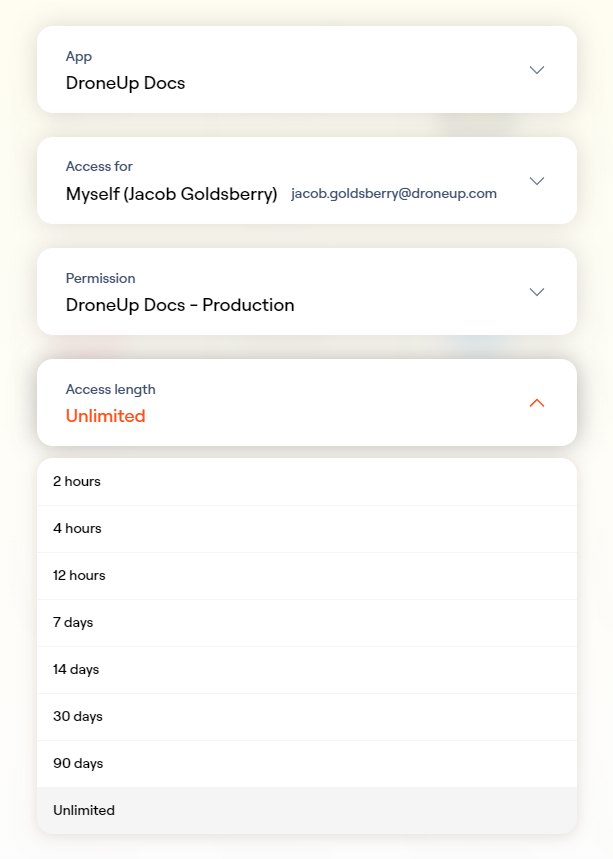
### Choose "Unlimited" for access length
### Enter a business justification
For example: *"I need Flight Alerter for increased situational awareness of manned traffic."*
### Confirm your request
You will be approved automatically.

### Contact Engineering for final activation
Once approved, contact **Jake Goldsberry**, **Mesgana Asmelash**, or **Micah Martin** via Slack to let them know you're requesting access to Flight Alerter.### Navigate to Flight Alerter
Go to https://spaces.utm.prod.droneup.cloud/
You will not be able to access the tool if you skip this step.
Use
### Open Flight Alerter
Go to https://spaces.utm.prod.droneup.cloud/. If you have trouble accessing it, see [Access](#access) above.
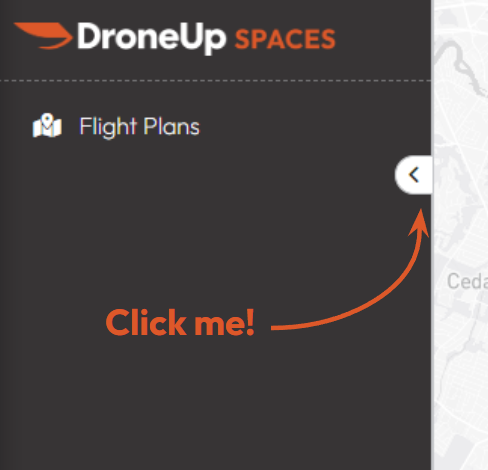
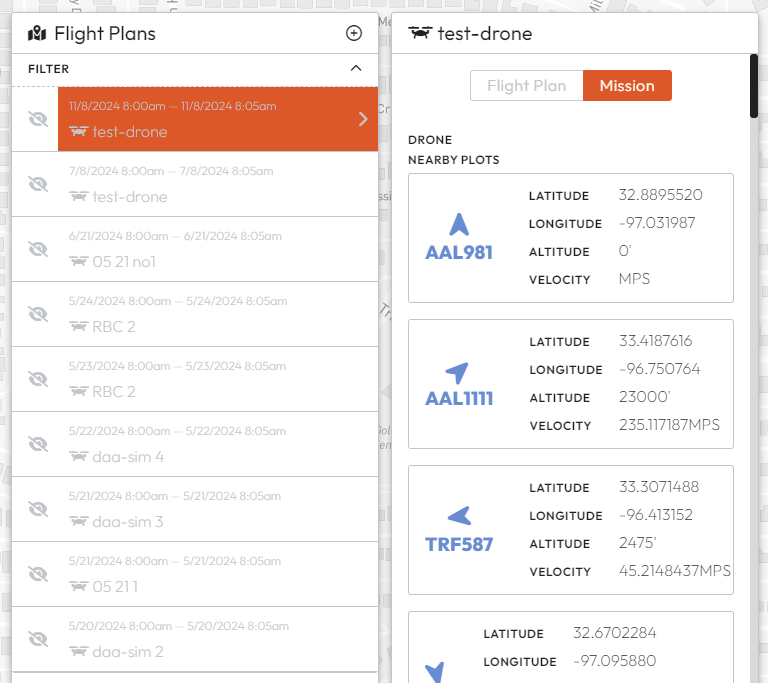
### Select "Flight Plans"
### Find and select your flight plan
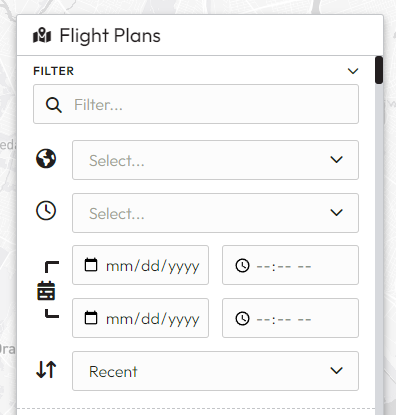
Filter by date and time or scroll through the list. When you select a flight plan, the map will zoom and pan to its location.
Click the calendar or clock icons for a date/time picker.
### Select "Mission"
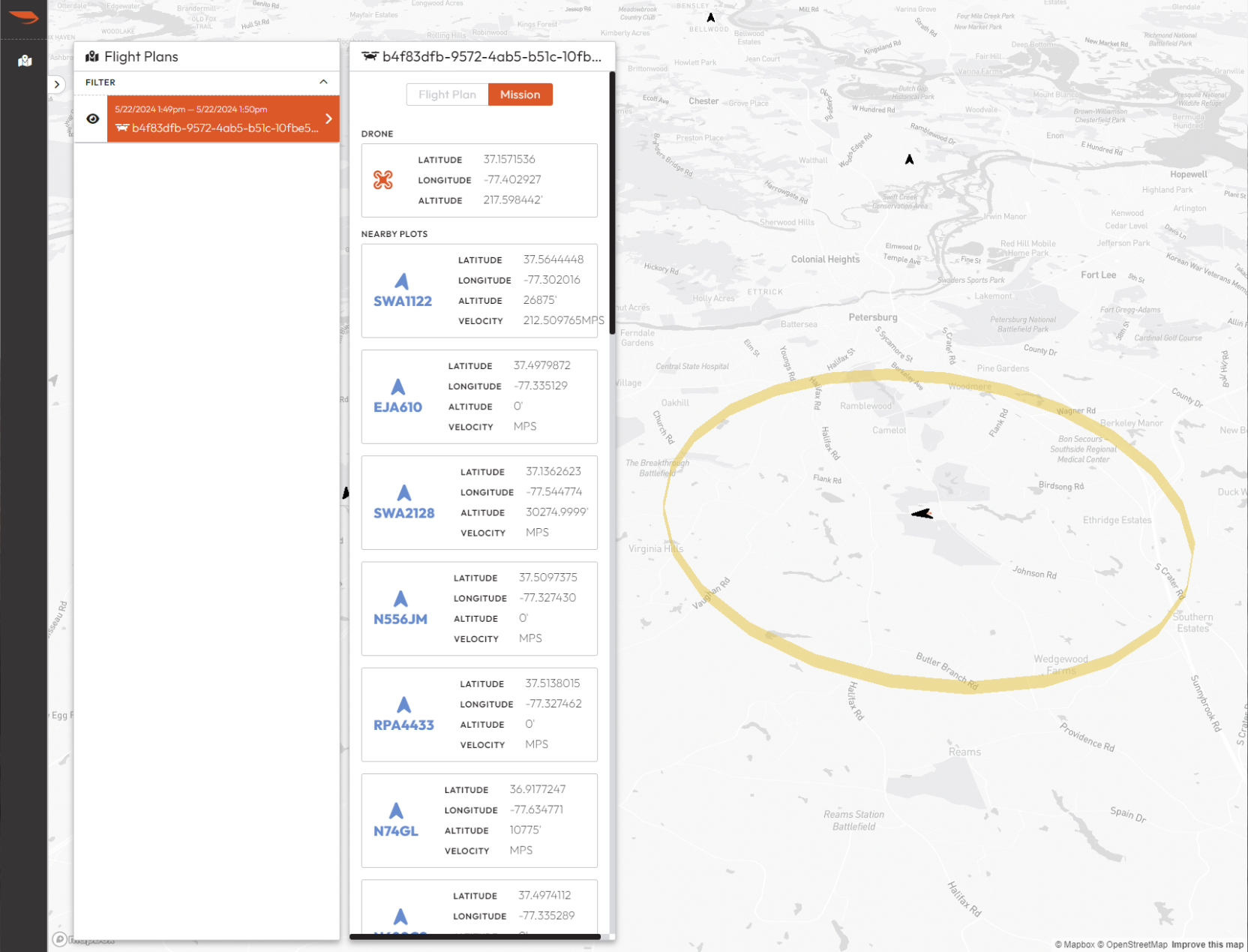
You will see a list of nearby traffic. Once the mission is activated, the drone's position will appear on the map.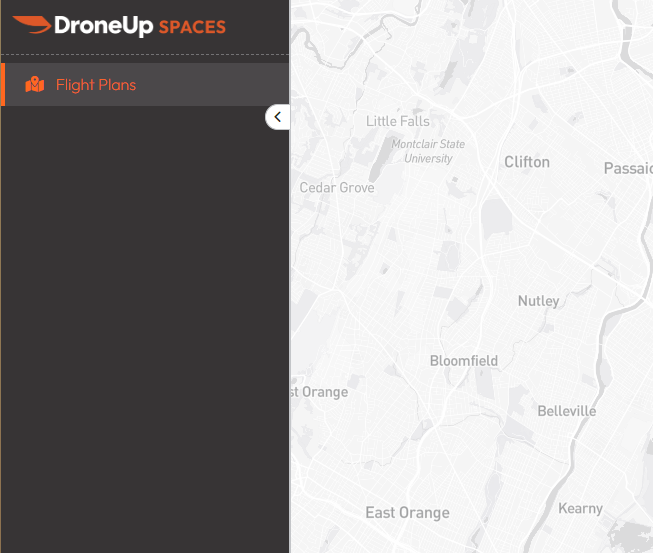
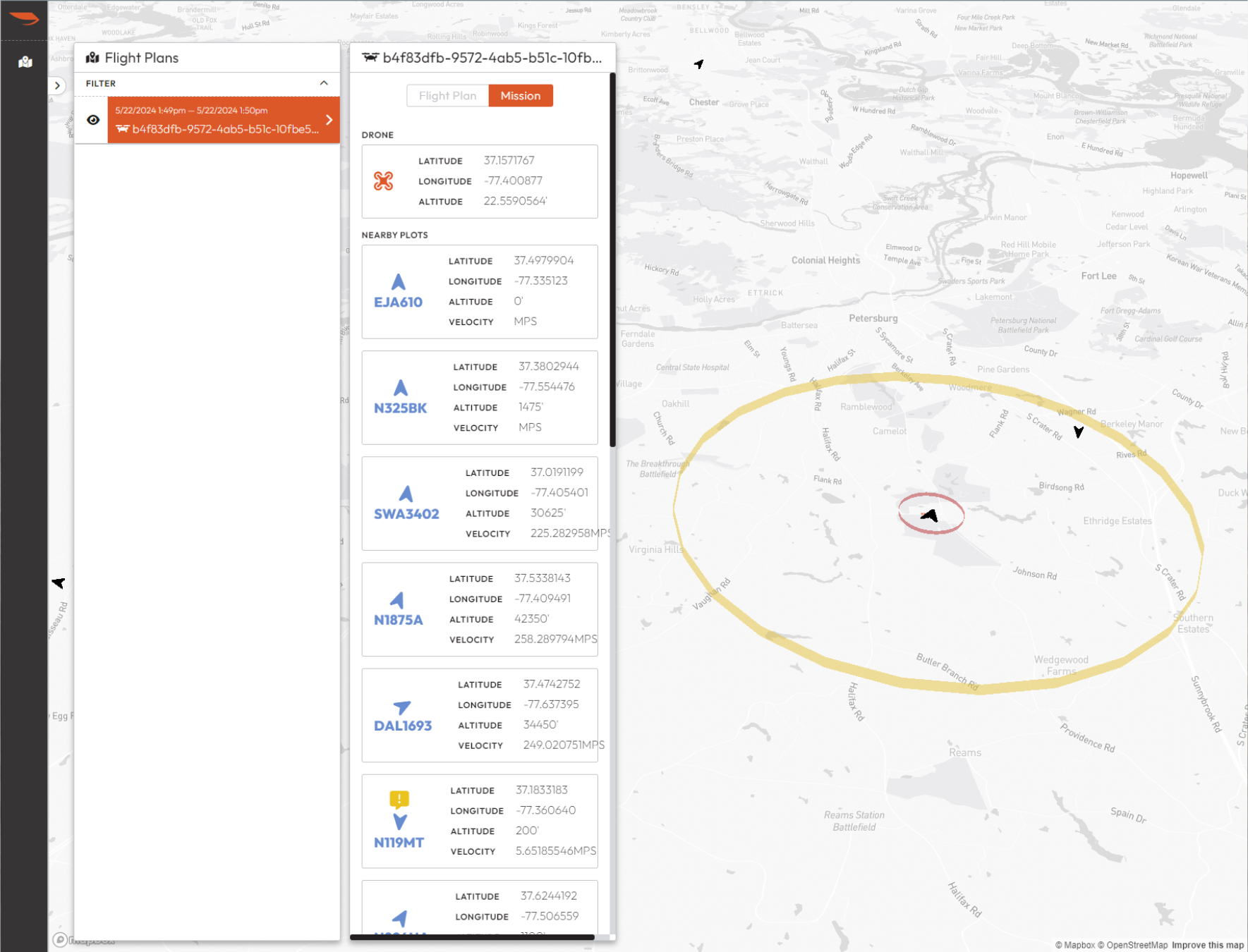
### Monitor the caution volume (yellow ring)
A large yellow ring appears around the drone. This is the **caution volume** — it extends **3.1 miles** radially outward and **750 ft** above and below the drone.
**If an intruder enters this ring, you will hear a caution alert.** Be ready to perform an avoidance maneuver.
### Monitor the warning volume (red ring)
When an intruder enters the yellow ring, a new **red ring** appears. This is the **warning volume**. It is dynamically calculated based on:
- Intruder speed
- Altitude difference between the intruder and your drone
- Your drone's speed
It is sized to ensure you have time to get out of the way without excessive avoidance maneuvers.
**When you hear the warning alert, perform the avoidance maneuver.**
### Resume after all clear
Once the intruder exits the yellow ring, you will hear an **all clear** tone and the red ring will disappear. You may resume the mission.
### Repeat for next mission
When you're ready to fly your next mission, return to step 3.
You must select a flight plan to receive alerts. You will only receive alerts for the flight plan you are viewing. You can return to Uncrew Mission Console after selecting the flight plan — audible alerts will continue playing.
You will also see flight plans from other operators (Wing, Zipline, Manna) listed in the panel.
You must click “Mission” in order to receive alerts.
Tip: Right-click and drag on the map to tilt the view and see traffic in 3D. You can also collapse the navigation bar by clicking the collapse arrow.
Limitations
- You can only monitor one mission at a time.
- Flight Alerter only works in areas with access to an airspace surveillance sensor network. Currently limited to RBC, TX0011, and TX002.
- Flight Alerter only consumes ADS-B (Automatic Dependent Surveillance-Broadcast) data. More information: FAA ADS-B. ADS-B is not required everywhere. Flight Alerter will not provide alerts for noncooperative traffic (aircraft without ADS-B).
- Flight Alerter is only intended to augment your situational awareness. The RPIC is responsible for avoiding intruders. Flight Alerter may not be used as your only means to monitor airspace/traffic.
- Flight Alerter does not provide alerts for drones.
- Flight Alerter cannot detect when it has lost connection to the surveillance sensors. You may see or hear manned aircraft without receiving an alert.
FAQ
See the Flight Alerter FAQ.
Last updated on