Suspensions Page

The “Suspensions” page is additional information to the RPIC and is not used while in flight.
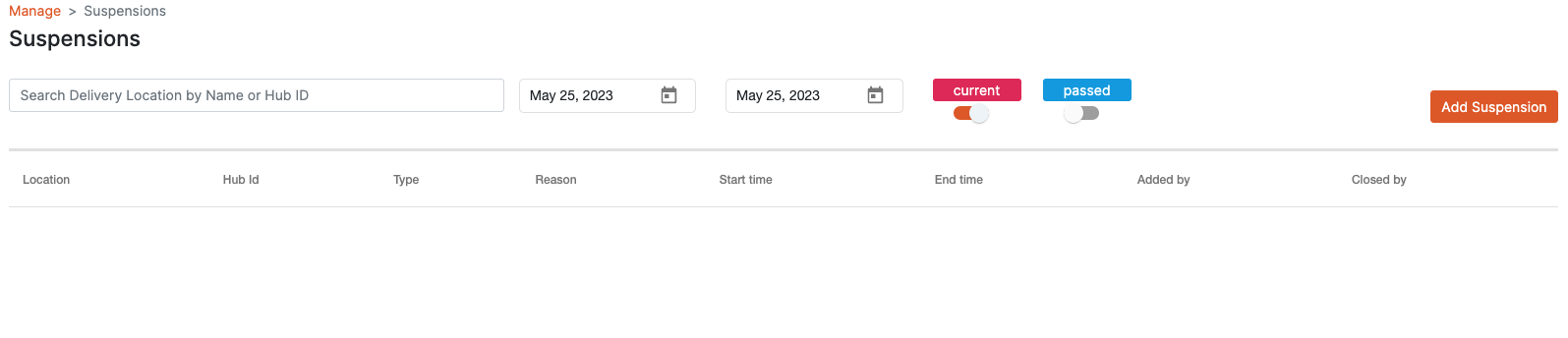
The Suspensions page displays all suspensions relating to all droneports that the RPIC accessing the web application has permission to view.
The RPIC can filter by delivery location(s), desired range of dates, and by either current or passed (expired) suspensions.
There is also a "Scheduled" feature that can be used for outages (e.g. an all team meeting during operating hours).
Suspensions can be used for real-time means to suspend operations. While they can be used to schedule suspensions for future periods, it is recommended to use the “Scheduled” feature for planned suspensions.
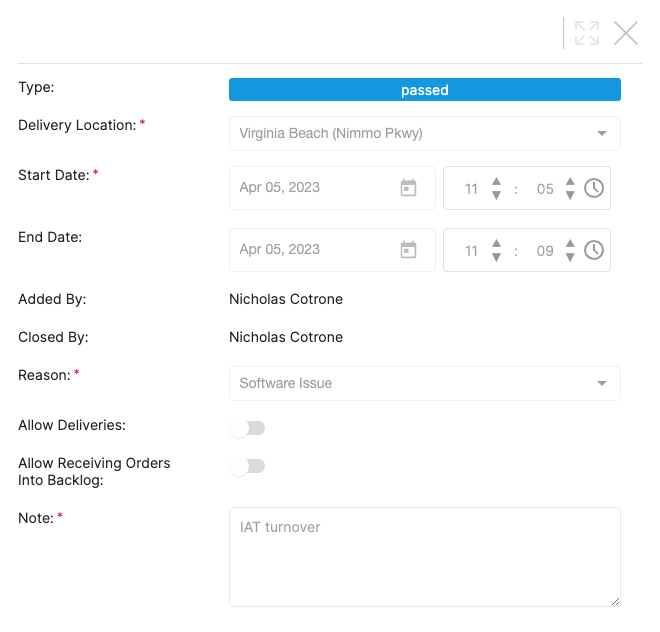
When selecting a current or passed suspension, the following details are shown about that suspension:
Delivery Hub Location;
Start/End Date & Time;
Name(s) of who initiated and closed the suspension;
Reason Code for the suspension;
Additional Notes
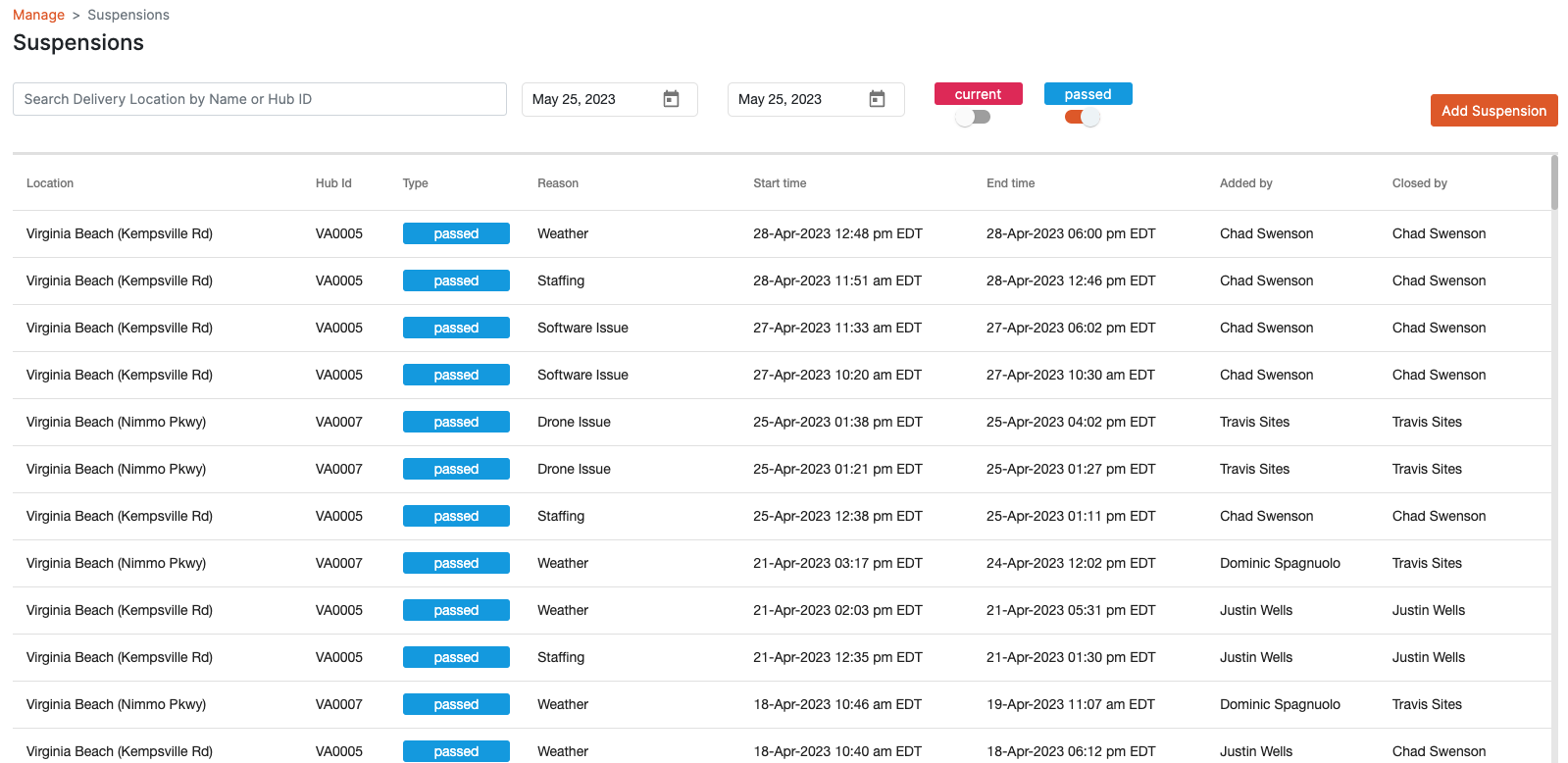
The main dashboard shown in the following figure illustrates how the start and end times of the suspension as well as the users who added and closed the suspension are shown to the HubOps Web Application user.