Hub Status Monitoring Setup
Hub Status Monitoring Setup

- Log in to PC: The Hub Status Monitoring webpage can be accessed once the RPIC Control Station desktop is powered on and logged into. The computer must be logged into with a valid DroneUp user account.
NOTE: The above DroneUp user accounts are managed by the operator.
- Navigate to the device’s installed applications and Open the Hub Dashboard application: Selecting the installed Hub Dashboard application opens a Google Chrome window and displays the Hub Status Monitoring web page.
- Open and Log In to the Hub Status Monitoring Web Page: The Hub Status Monitoring web page must be opened. Login access to the Hub Status Monitoring web page is based on DroneUp Okta access. The same login information for logging into the RPIC Control Station desktop computer applies.
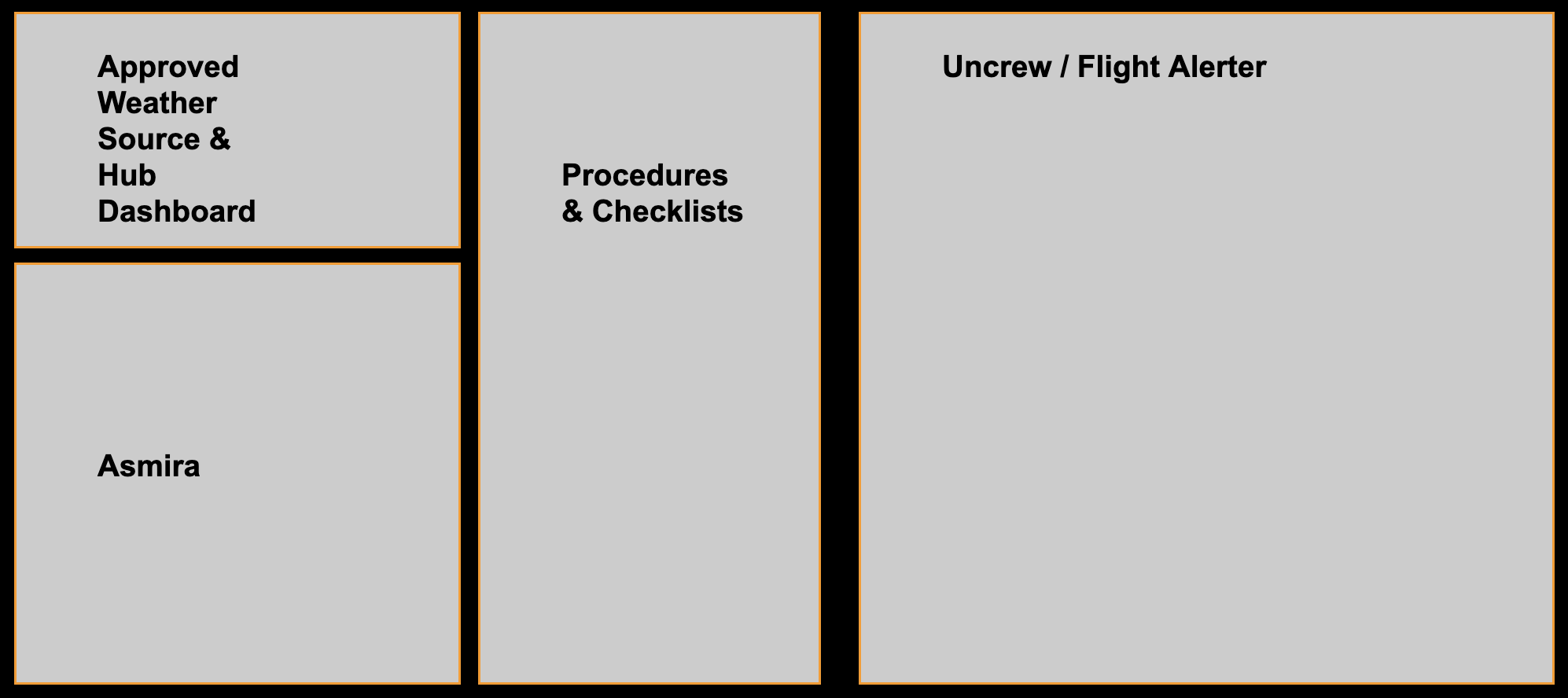
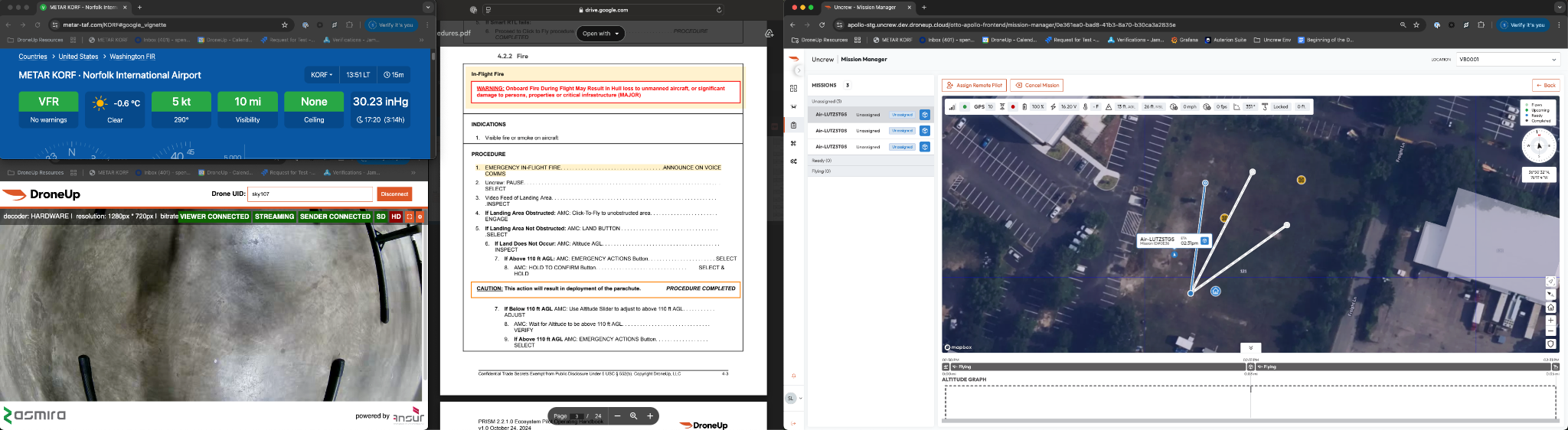
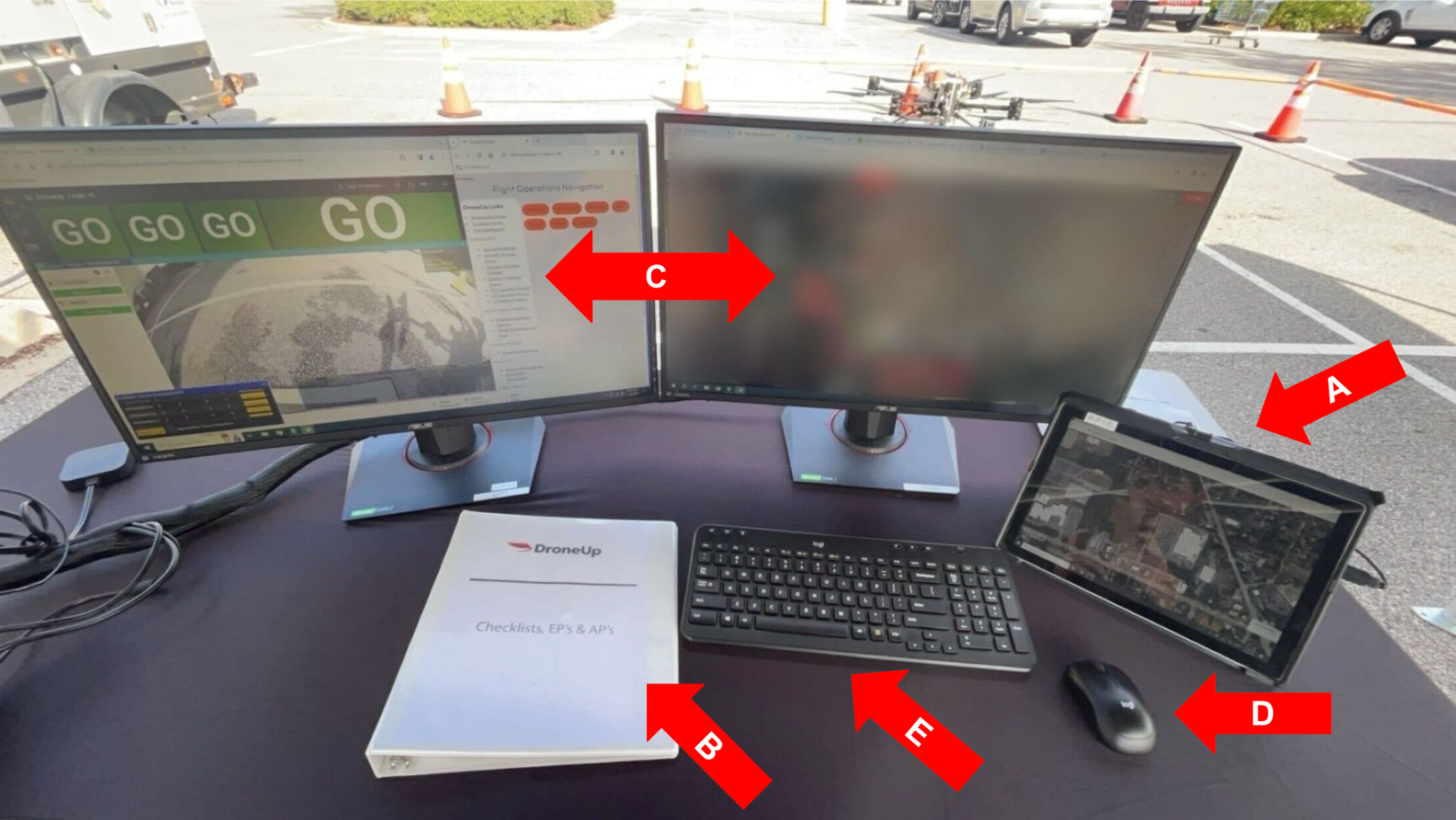
- RPIC Control Station Display Layout: The Hub Status Monitoring web page is the final application screen which is required to be open on the RPIC Control Station. At this time, the RPIC should set up the two LCDs so that all required applications for access per the UAFM are clearly visible and accessible. The manufacturer recommends the following two (2) layout options for use.
Layout 1
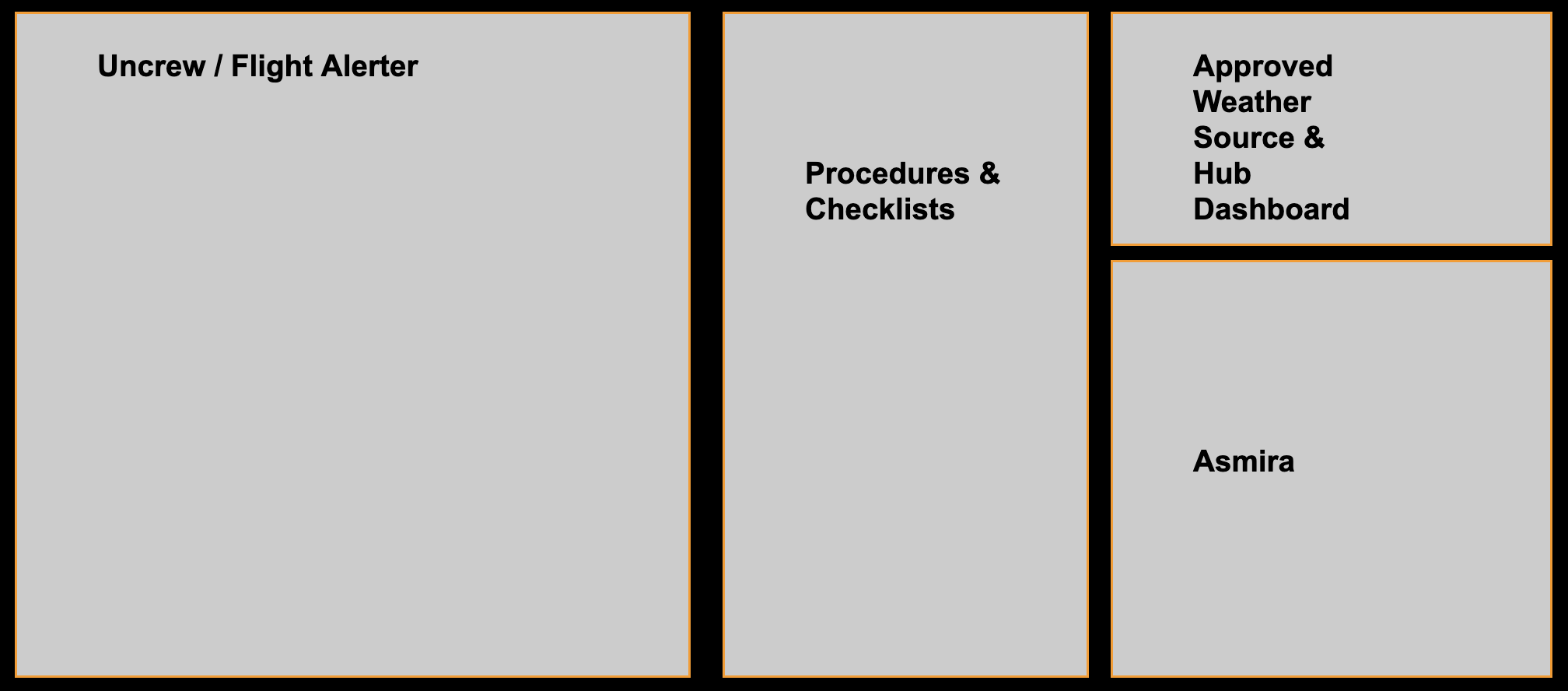
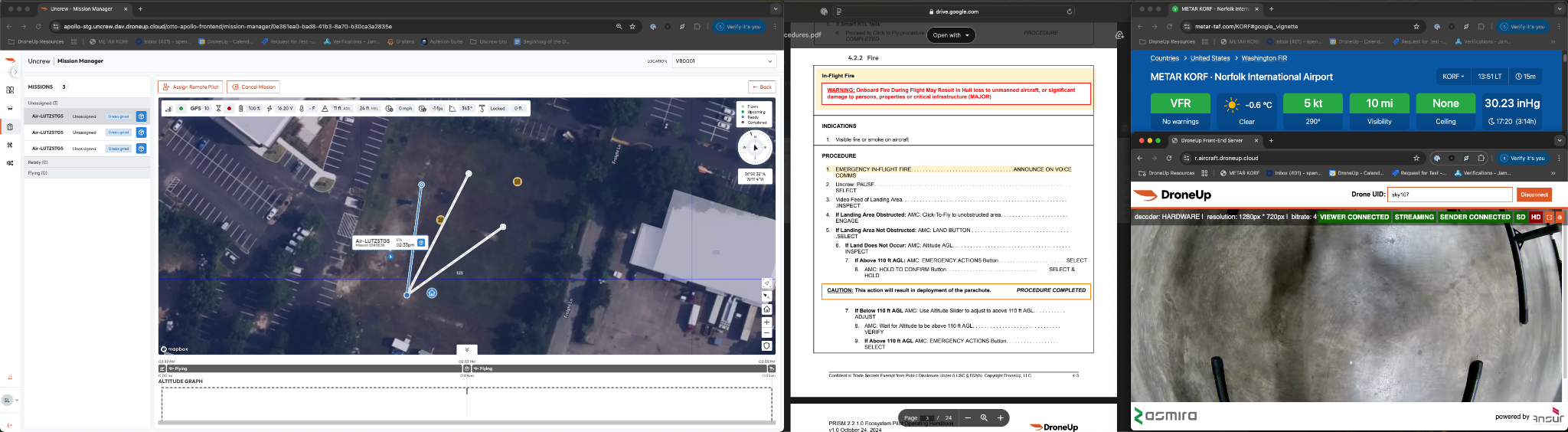
Layout 2
Last updated on