HubOps Web Application Setup
HubOps Web Application Setup

- Open Chrome and Open HubOps Web Application: A Chrome internet browser shall be opened when conducting delivery missions and the HubOps Web application is accessed at the link below
[https://angular.hubops.prod.droneup.cloud/]{.underline}
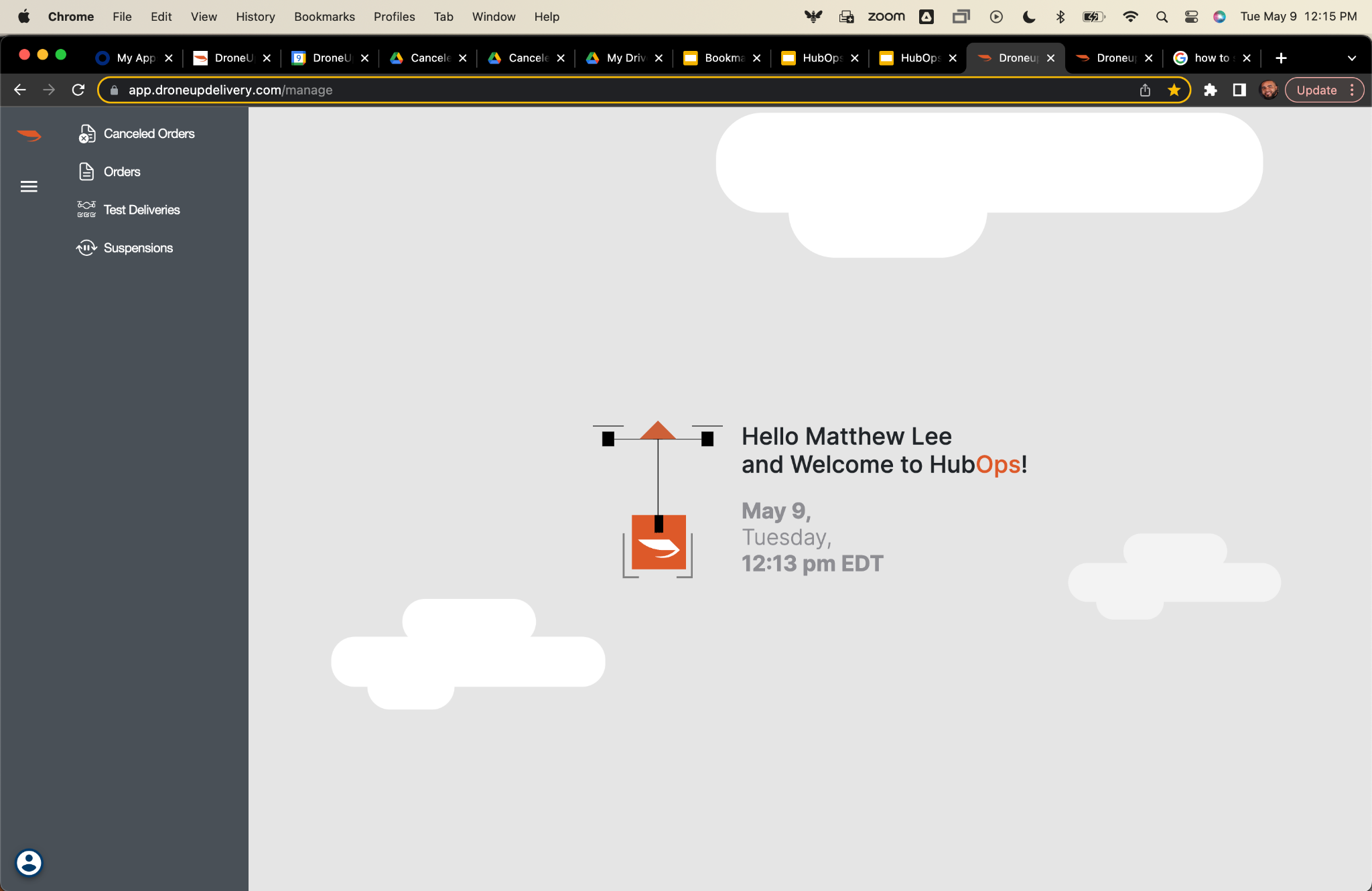
- Open and Log In to the HubOps Web Application: The HubOps Web Application must be opened and logged into with DroneUp Okta user credentials. After logging in, the RPIC is greeted with a welcome screen. An example is shown below.
HubOps Web Application Manual Delivery Setup
This procedure should be executed to set up orders enabling the performance of In-Flight Simulated Deliveries, and delivery orders provided from vendors. This procedure is performed once all prior RPIC Control Station Setup procedures have been completed.
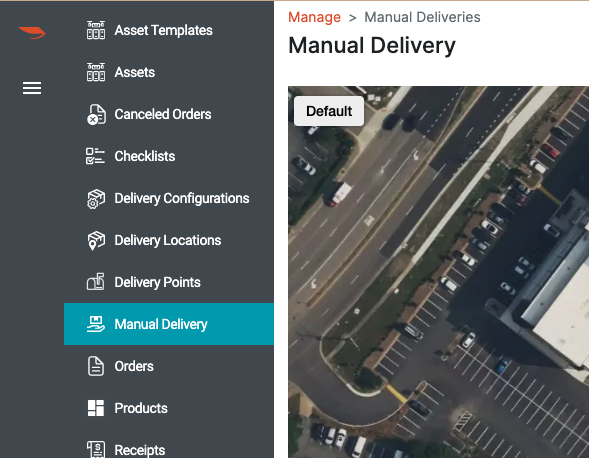
- Manual Delivery Tab: Navigate to the Manual Delivery tab on the right hand toolbar of the HubOps Web Application as indicated Figure 3-9.
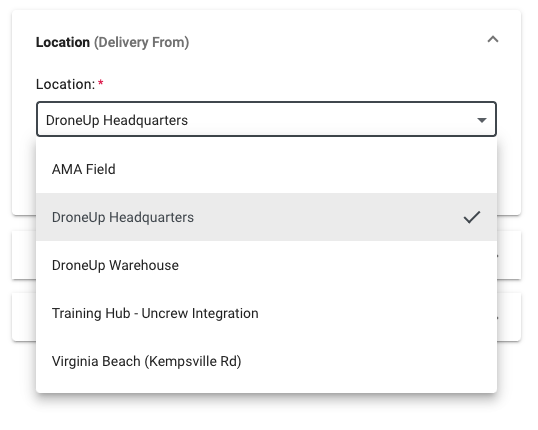
- Select Location: Select the droneport (operating) location from the Location (Delivery From) dropdown as indicated below.
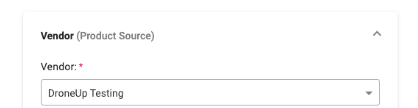
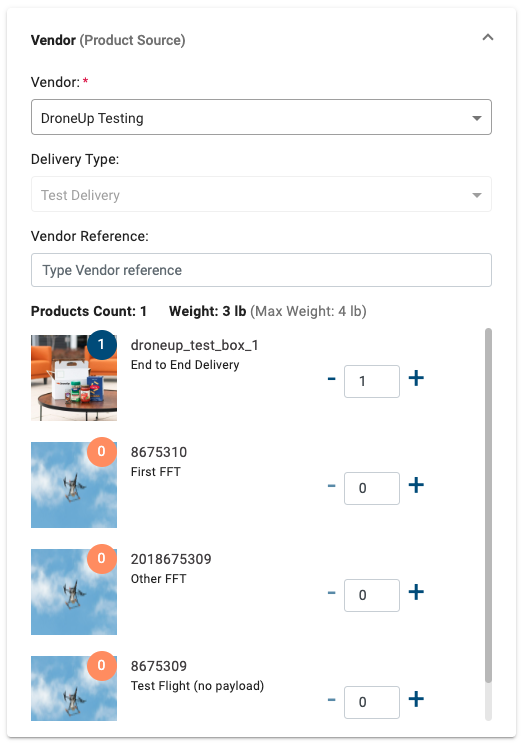
- Select Vendor: Select “DroneUp Testing” in the Vendor dropdown. To add vendors as selectable options in the Manual Delivery interface, contact the manufacturer.
a. Select Product: The Delivery Type is set to Test Delivery by default. Select the Product which corresponds to the delivery operation being performed.
a. If conducting an In-Flight Simulated Delivery or package delivery, select "End to End Delivery" by selecting the "+" symbol to the right of this option. This will increase the product count to 1.
- Select Delivery Location: Designate the delivery location by using an address or latitude/longitude coordinates provided by the vendor.
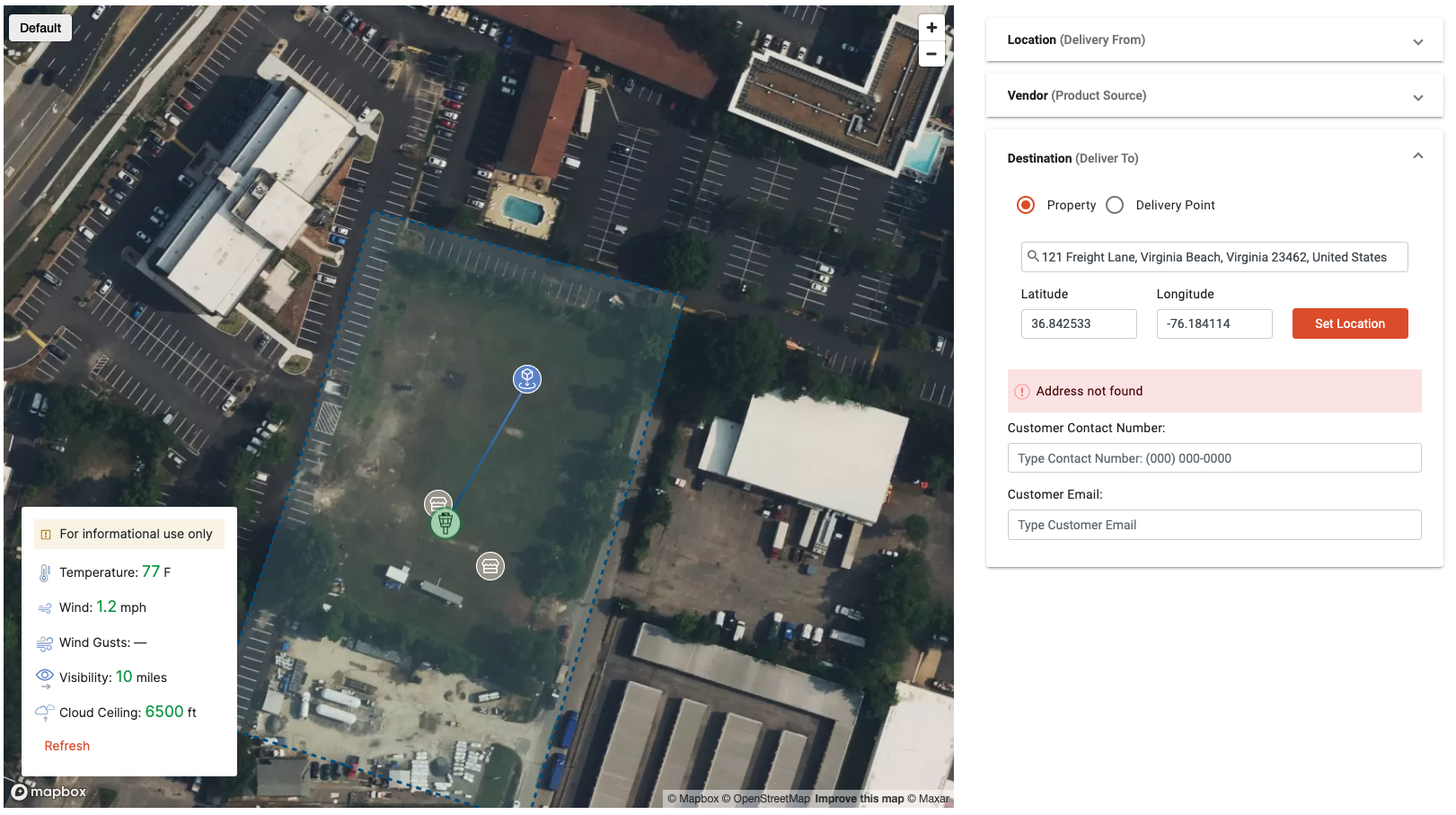
Toggle the map to the satellite view by using the map type option setting in the top left corner. Use this map as an initial inspection of whether the delivery location is acceptable for delivery in accordance with the PRISM V2.3 UAFM Section 2 Performance and Limitations.
NOTE: As part of the PRISM V2.3 UAFM Aircraft Starting normal procedure and the RPIC Control Station Starting normal procedure, the delivery point is verified by the RPIC in Uncrew prior to takeoff.
- Create Delivery: Select the “Create Delivery” button on the HubOps Web Application Manual Delivery page. This results in a verification notice appearing on the screen and the order will populate within the HubOps MCA.

Last updated on