HubOps Web Application Shutdown
HubOps Web Application Shutdown

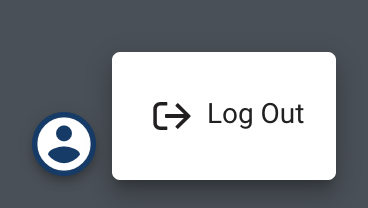
- Log Out of Application: Select the person icon (as shown below). Then select the Log Out option. This will take the RPIC back to the login page.
- Close Web Page: Select the “x” button in the right corner of the Chrome tab within the web browser for the tab of the HubOps Web application.
Last updated on