Winch Failure - Package Not Releasing

INDICATIONS
- Package is stuck on grasper after delivery attempt
POSSIBLE CAUSES
- Incorrect loading of delivery box onto the winch
- High wind speed conditions outside of permitted range
- Hardware failure
- Altitude (AGL) is above 125 feet
FAILSAFE BEHAVIOR
The winch will automatically make three (3) redelivery attempts. This results in a total of four (4) delivery attempts that will be made if the prior attempt is unsuccessful. This behavior is a Sebastian winch subsystem failsafe and is not controlled by the RPIC Control Station AE. If after four attempts the package was still not delivered, the winch will hold the line at the current length below the aircraft. The Uncrew winch status within the Mission Console will indicate “HOLD” after four delivery attempts are unsuccessfully made.
EXPANDED ABNORMAL PROCEDURE
Winch Failure - Package Not Releasing ANNOUNCE
If the package is not observed to be removed from the winch grasper after making contact with the ground surface, which can be done either via visual line of sight or monitoring the ASMIRA Web Client camera feed on the RPIC Control Station.
Allow redelivery attempts to be made — REDELIVER
The aircraft winch system will automatically reattempt the delivery three additional times (making for a total of 4 times). Monitor the ASMIRA Web Client and winch status information within the Mission Console on the RPIC Control Station during these reattempts.
If package still appears attached:
If after the fourth attempt the delivery box is still observable on the winch grasper via the ASMIRA Web Client, proceed to the next step.
Delivery Area CONFIRM
Monitor the ASMIRA Web Client on the RPIC Control Station to ensure the area around and below the package remains clear.
Freespool Button SELECT
Select the “Freespool” button on the middle of the Command Bar within the Mission Console on the RPIC Control Station.
Once the “Freespool” button is selected, a popup window will appear requiring RPIC confirmation. This window will remain displayed until “CONFIRM” or “CANCEL” is selected or exit (“x”) is pressed.
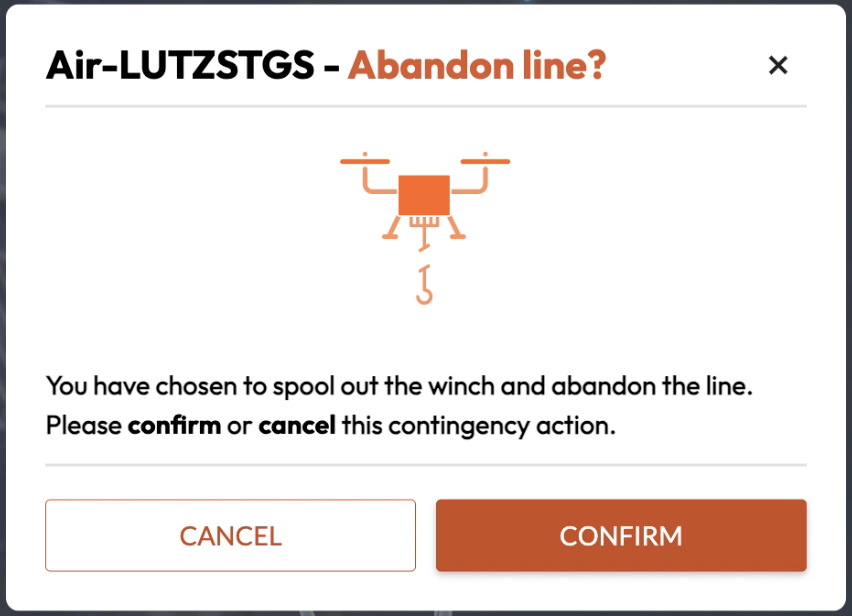
Upon confirmation, the winch will immediately begin to freespool the winch line off of the winch spool. The winch line will lower, picking up momentum as the line descends. If a delivery box is loaded onto the aircraft at the time of release, the line descends at a faster rate than if a box was not loaded due to gravity.
AMC: Altitude (within Actions menu) — ADJUST to 175’ AGL SELECT
The Altitude command is located on the action toolbar on the upper left side of the AMC Fly View on the RPIC Tablet. Selection of this command will result in the aircraft ascending or descending to the desired altitude selected by the RPIC.
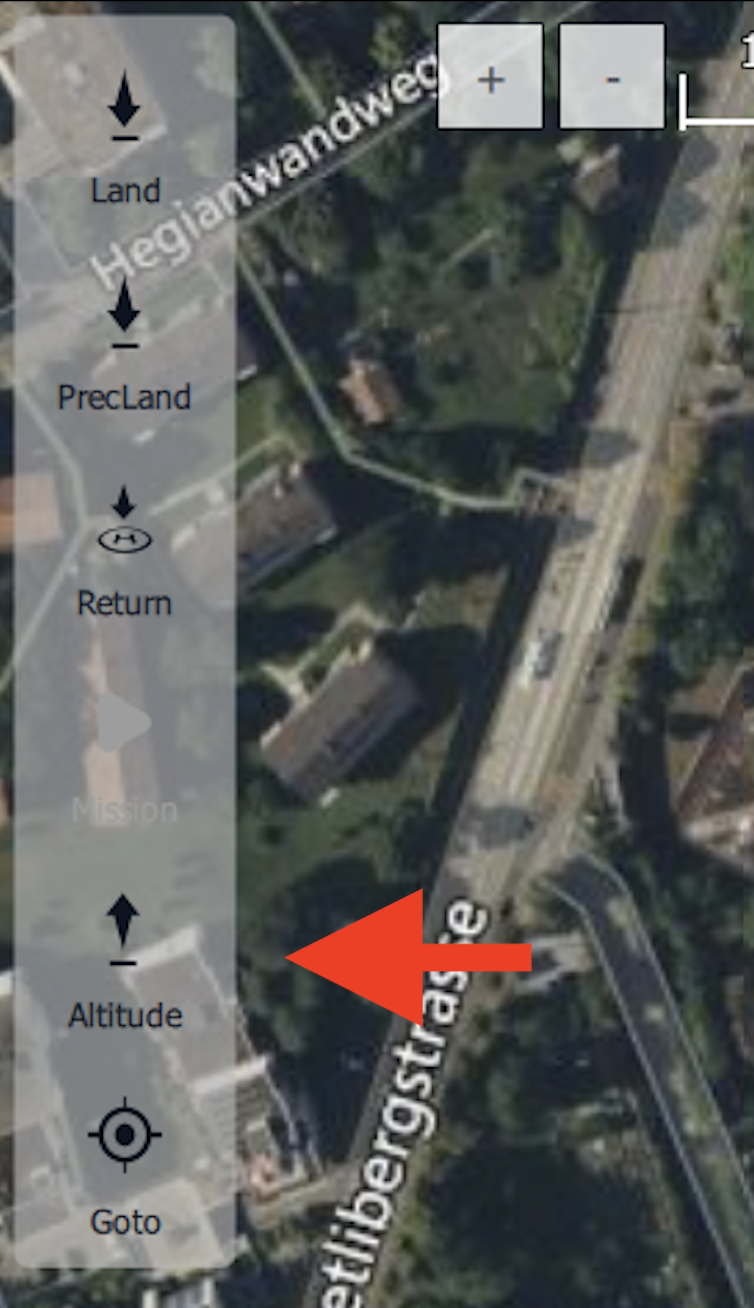
Once the “Altitude” button is selected, the RPIC will use the altitude slider found on the right side of the Fly View map in order to set it to an altitude of 175’ (or maximum authorized).

Once the desired altitude is selected, the AMC application will require RPIC confirmation. Press and hold the “Hold to Confirm” button popup found at the bottom of the Fly View map interface.
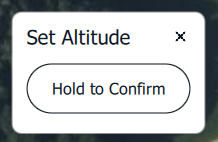
Once the Altitude command is confirmed, the aircraft will climb to the altitude of 175’ (or maximum authorized altitude).
Video Feed VERIFY
Utilize the ASMIRA Web Client camera feed on the RPIC Control Station or visual inspection in person (if within visual line of sight) to determine if the winch line is still attached to the aircraft or is located on the ground.
If line successfully releases:
If the delivery box and winch line is observable on the ground (using the ASMIRA Web Client camera feed on the RPIC Control Station or visual inspection in person if within visual line of sight), the line is successfully released.
Refer to Click to Fly Procedure
If line/external load in any other condition:
If the winch status information displayed within the Mission Console does not indicate “Failsafe” and the ASMIRA Web Client camera feed does not show the winch line and external load on the ground, proceed to the next step.