Aborted Landing

INDICATIONS
Nonparticipating individuals in the safety area
Obstruction in the safety area
POSSIBLE CAUSES
Nonparticipating individuals in the safety area
Obstacle/Obstruction in the safety area
FAILSAFE BEHAVIOR
There is no Failsafe for this emergency.
EXPANDED ABNORMAL PROCEDURE
ABORTED LANDING ANNOUNCE
The RPIC is to announce the voice comms “Aborted Landing” once abnormal conditions are identified using the indications information above.
If Uncrew Available:
Uncrew: Pause Button SELECT
Select the “Pause” button that is located in the top left corner of the Uncrew Mission Console on the RPIC Control Station.

Once the “Pause” button is selected, the aircraft will stop its descent and hold in place until the next command is given.
Obstruction REMOVE
The RPIC or available crew member(s) will confirm there are no obstacles within the landing area. If obstacles are present, the RPIC or available crew member will remove or clear the obstacle from the landing area.
If unable to clear obstruction:
Uncrew: ALZ SELECT
Select the “ALZ” button within the Uncrew Mission Console on the RPIC Control Station.

Once the button is selected, a popup window appears requiring RPIC confirmation. This window will remain displayed until “CONFIRM” is selected or exit (“x”) is pressed.
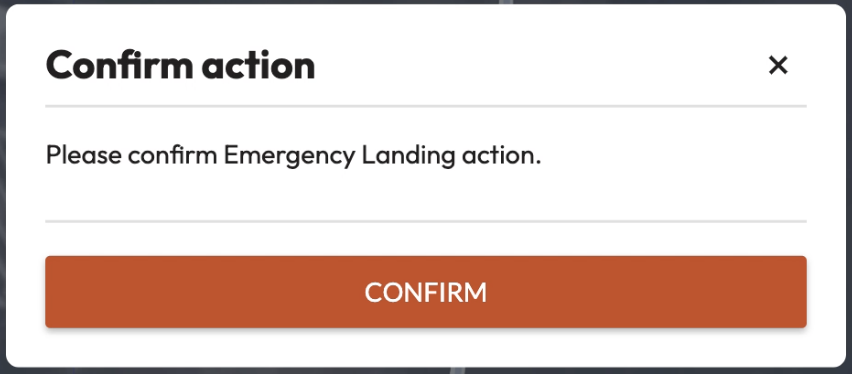
Once the command is confirmed, the aircraft stops performing the mission and begins navigating to an Alternate Landing Zone (ALZ). The aircraft maintains its altitude at the defined desired altitude. Uncrew navigates the aircraft so that all NFAs and perimeters are avoided. The Aircraft Status shall be Contingency.
At the ALZ, the aircraft will land.
AMC: PLD or LAND SELECT
The PLD command is located on the action toolbar on the upper left side of the AMC Fly View on the RPIC Tablet. Selection of this command will result in the aircraft descending for precision landing. The RPIC may also select the Land command instead if the precision landing pad is not in use.
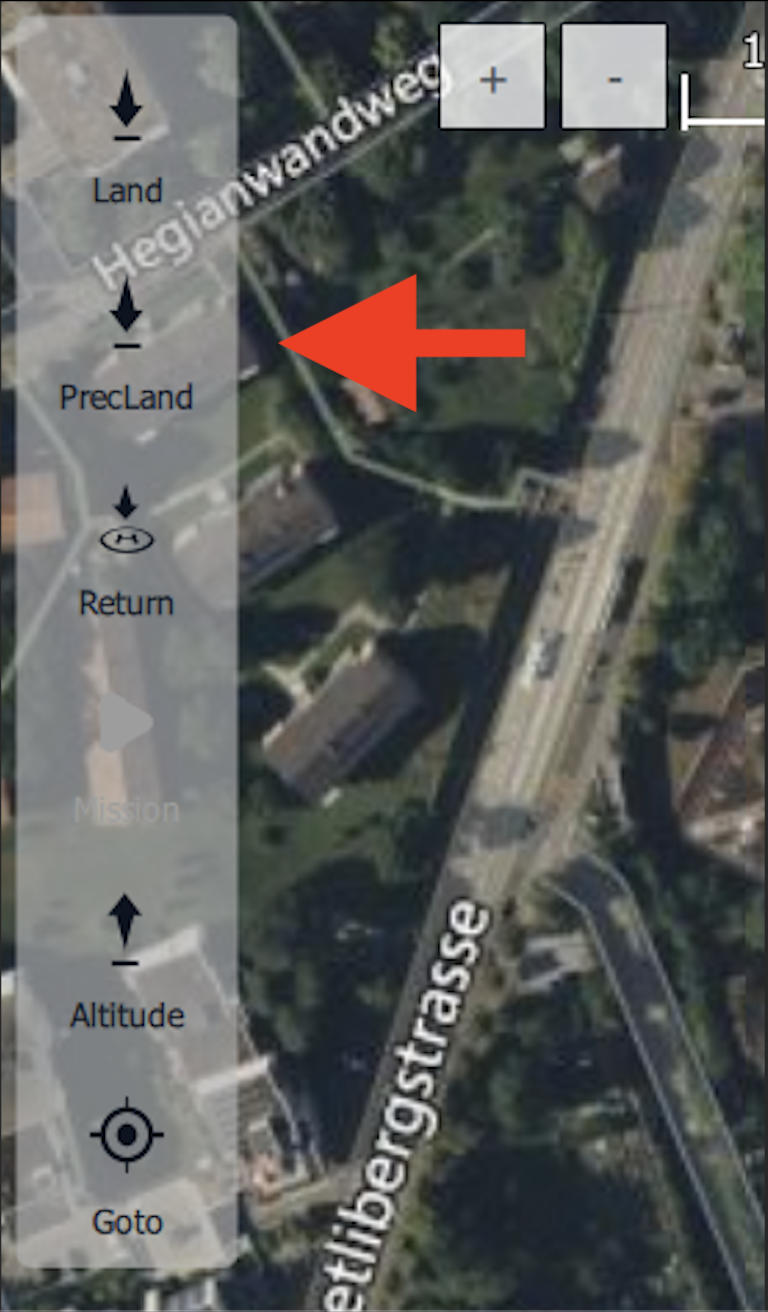
Once the “Precision Land” button is selected, the AMC application requires RPIC confirmation. Press and hold the “Hold to Confirm” button popup found at the bottom of the Fly View map interface.
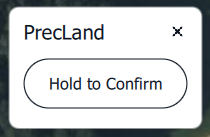
Once the PLD command is confirmed, the aircraft will begin descending in order to begin the precision landing. Once the aircraft detects the landing tag, the aircraft will automatically maneuver directly over the landing tag and align its heading with the landing tag.
If Uncrew Not Available:
AMC: Altitude Slider SELECT
The Altitude command is located on the action toolbar on the upper left side of the AMC Fly View on the RPIC Tablet. Selection of this command will result in the aircraft ascending or descending to the desired altitude selected by the RPIC.
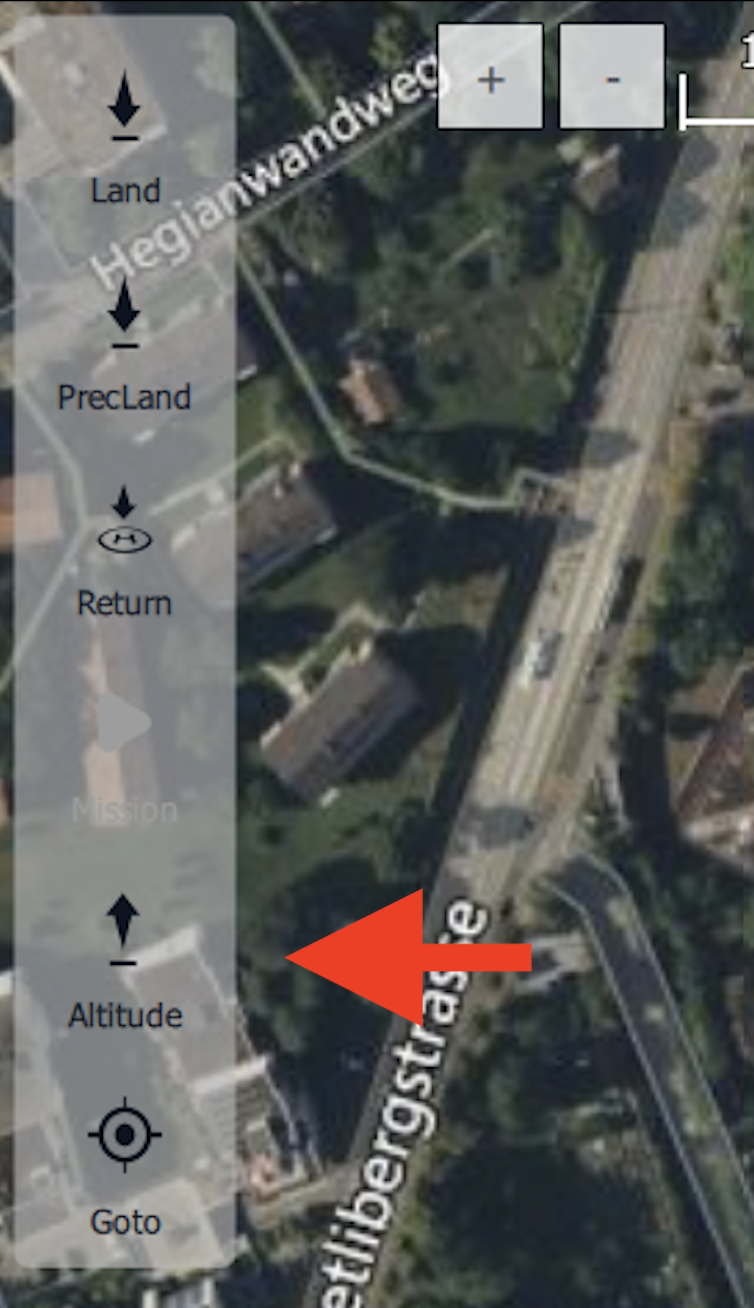
Once the “Altitude” button is selected, the AMC application requires RPIC confirmation. Press and hold the “Hold to Confirm” button popup found at the bottom of the Fly View map interface.
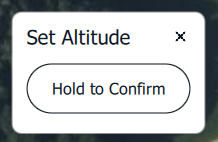
Once the Altitude command is confirmed, the aircraft will climb to the set cruise altitude.
Obstruction REMOVE
The RPIC or available crew member(s) will confirm there are no obstacles within the landing area. If obstacles are present, the RPIC or available crew member will remove or clear the obstacle from the landing area.
If unable to clear obstruction:
Refer to Click to Fly Procedure
AMC: PLD or LAND SELECT
The PLD command is located on the action toolbar on the upper left side of the AMC Fly View on the RPIC Tablet. Selection of this command will result in the aircraft descending for precision landing. The RPIC may also select the Land command instead if the precision landing pad is not in use.
Once the “Precision Land” button is selected, the AMC application requires RPIC confirmation. Press and hold the “Hold to Confirm” button popup found at the bottom of the Fly View map interface.
Once the PLD command is confirmed, the aircraft will begin descending in order to begin the precision landing. Once the aircraft detects the landing tag, the aircraft will automatically maneuver directly over the landing tag and align its heading with the landing tag.