Accelerometer Failure

INDICATIONS
Warning Message: “Accel # Timeout” (AMC)
Erratic flight behavior after takeoff
POSSIBLE CAUSES
Hardware failure
Electromagnetic interference
FAILSAFE BEHAVIOR
There is no Failsafe for this emergency.
PROCEDURE
Accelerometer Failure — ANNOUNCE
The RPIC is to announce the voice comms “Accelerometer Failure” once emergency conditions are identified using the indications information above.
Uncrew: Land in Place — SELECT
Select the “Land In Place” (Land Now) button within the Uncrew Mission Console on the RPIC Control Station.

Once the command button is selected, a popup window will appear requiring RPIC confirmation. This window will remain displayed until “CONFIRM” is selected or exit (“x”) is pressed.

Once the command is confirmed, the aircraft stops performing the mission and enters Land flight mode. The Aircraft Status shall be Contingency. The aircraft will land in place and disarms after touch down.
Aircraft Disarmed — CONFIRM
At the top middle of the Fly View interface on the RPIC Tablet, confirm that the aircraft status shows Disarmed.

AMC: EMERGENCY ACTIONS Button — SELECT
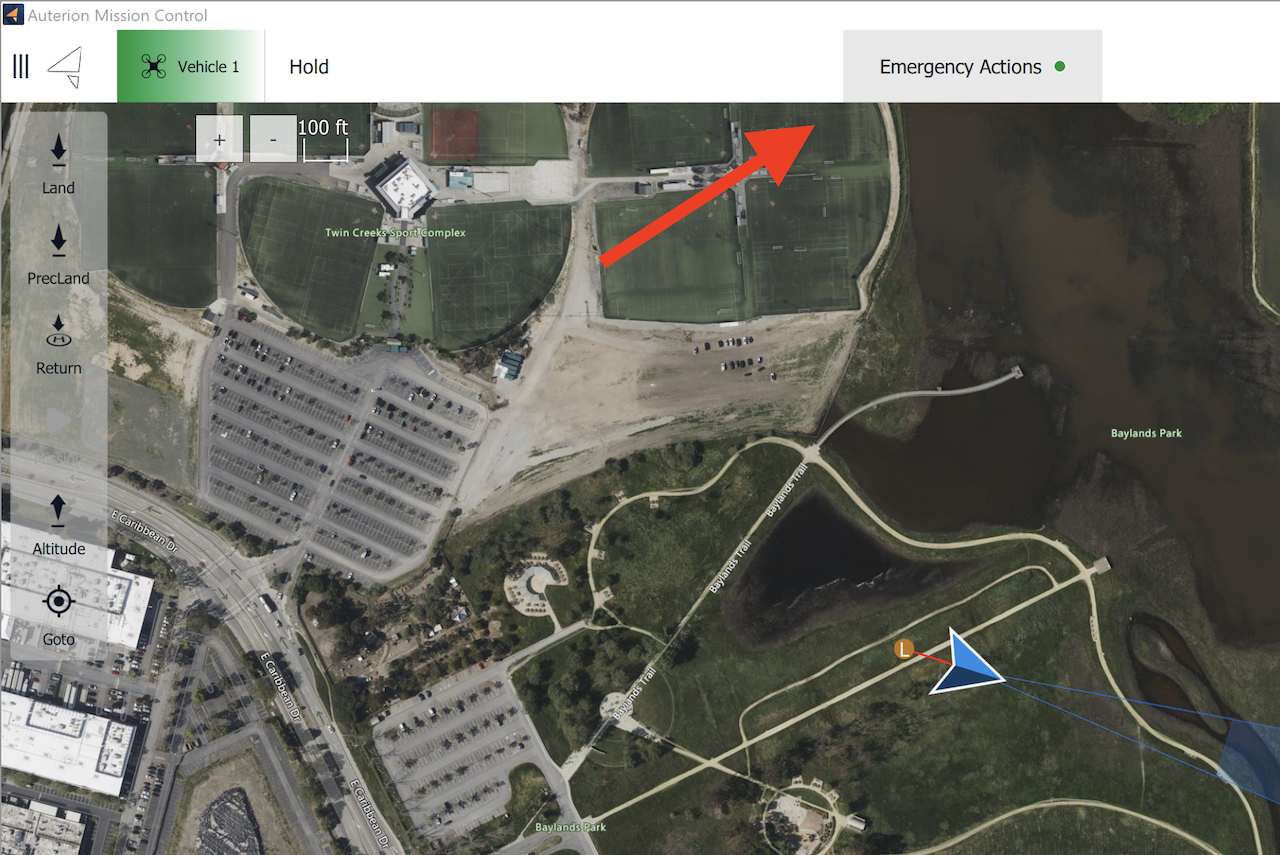
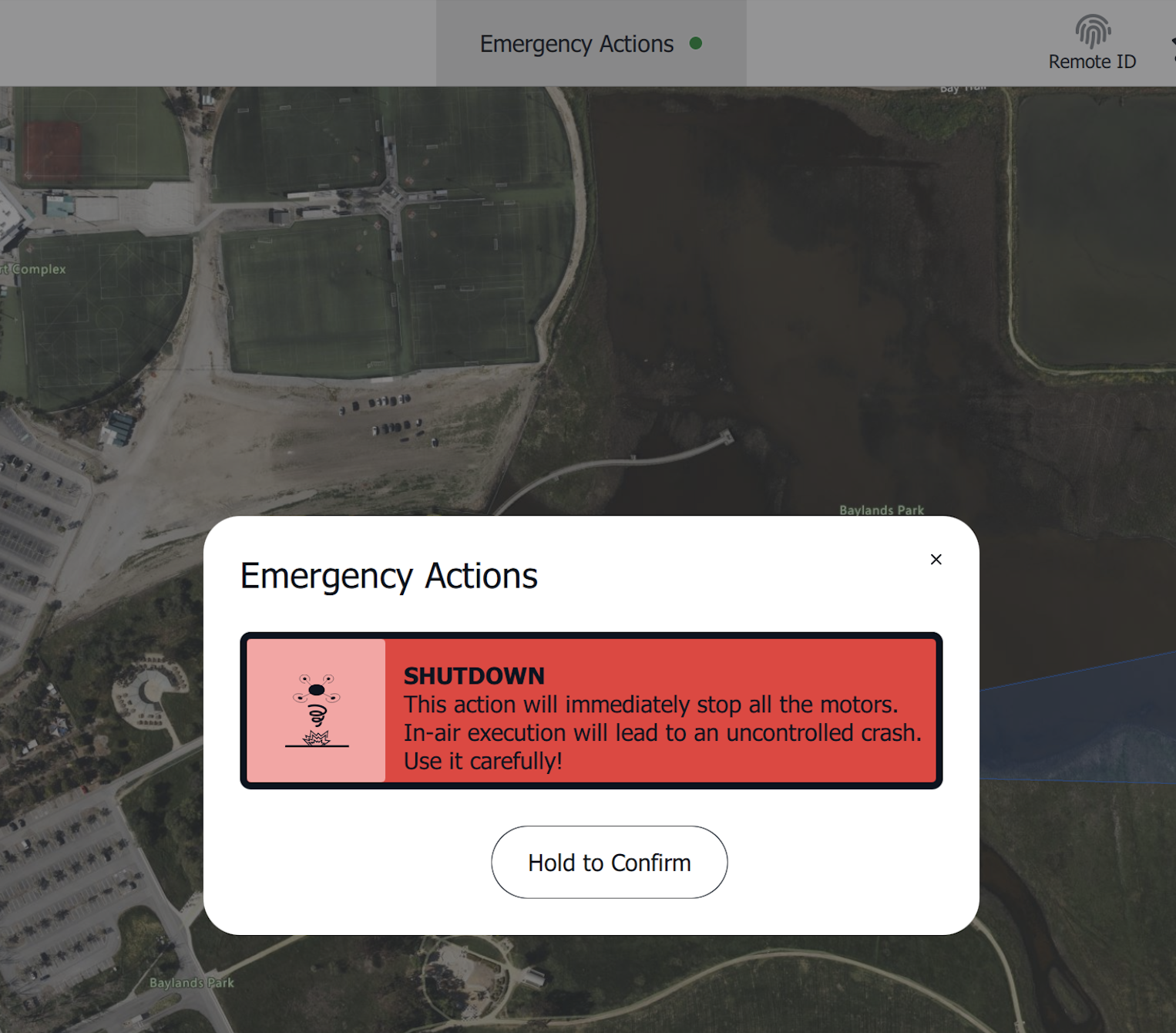
Select the “Emergency Actions” button on the top of the AMC application on the RPIC Tablet. Once pressed, a notification and confirmation popup will appear in the center of the screen.
AMC: HOLD TO CONFIRM Button — SELECT & HOLD
Press and hold the “Hold to Confirm” button to execute the Emergency Shutdown on the RPIC Tablet. Once executed, the motors immediately terminate operation (i.e. stop) and the parachute will deploy.
After deployment, the aircraft is required to be serviced in accordance with the UMM by qualified maintenance personnel.