Geocage Violation

INDICATIONS
Warning Messages on AMC: GCS displays warnings about proximity to the geocage (geofence) boundary.
Unexpected or Erratic Movement: sudden or erratic changes in the drone’s flight path, such as moving away from the intended direction without RPIC input.
POSSIBLE CAUSES
Degraded GPS connection
Hardware failure
FAILSAFE BEHAVIOR
There is no Failsafe for this emergency.
PROCEDURE
GEOCAGE VIOLATION ANNOUNCE
The RPIC is to announce the voice comms “NFA Violation” once emergency conditions are identified using the indications information above.
Uncrew: Return to Home SELECT
Select the Return to Home Button within the Uncrew Mission Console on the RPIC Control Station.

Once the command button is selected, a popup window will appear requiring RPIC confirmation. This window will remain displayed until “CONFIRM” is selected or exit (“x”) is pressed.
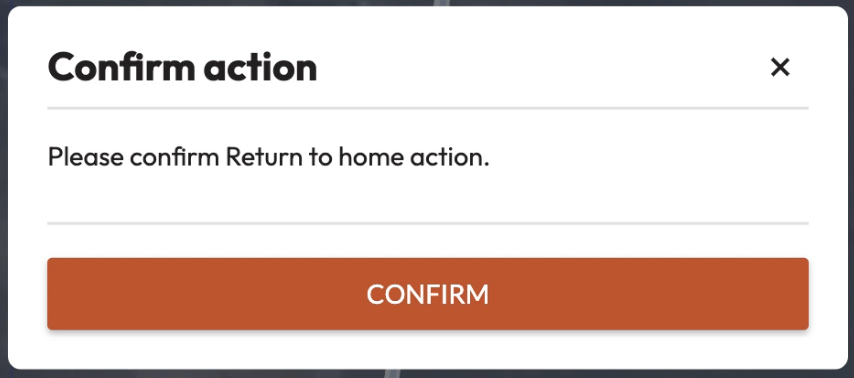
Once the command is confirmed, the aircraft stops performing the mission and begins navigating to the takeoff location. The aircraft maintains its altitude at the defined desired altitude. Uncrew navigates the aircraft so that all NFAs and perimeters are avoided. The Aircraft Status shall be Contingency.
At the takeoff location, the aircraft will land. Precision landing mode shall be automatically attempted during the landing sequence.
If Aircraft fails Return to Home:
Uncrew: ALZ SELECT
Select the “ALZ” button within the Uncrew Mission Console on the RPIC Control Station.

Once the command is selected, a popup window will appear requiring RPIC confirmation. This window will remain displayed until “CONFIRM” is selected or exit (“x”) is pressed.
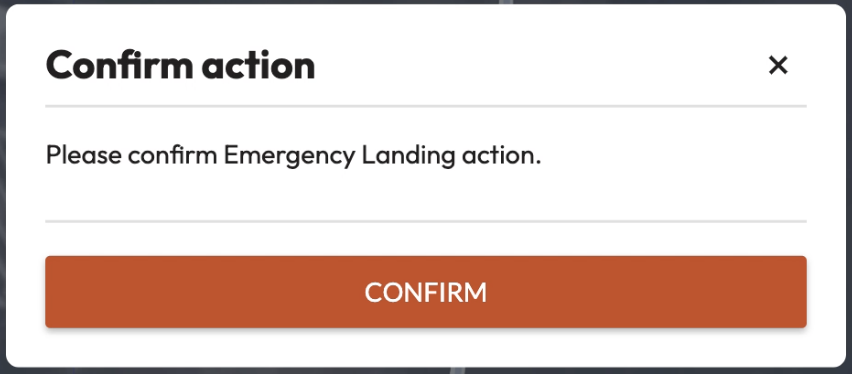
Once the command is confirmed, the aircraft stops performing the mission and begins navigating to an Alternate Landing Zone (ALZ). The aircraft maintains its altitude at the defined desired altitude. Uncrew navigates the aircraft so that all NFAs and perimeters are avoided. The Aircraft Status will be Contingency.
At the ALZ, the aircraft will land.
If Aircraft successfully executes ALZ:
VO — RELOCATE TO ALZ
The RPIC shall communicate with the VO which ALZ the aircraft is navigating to in order for the VO to relocate their position.
If Aircraft does not divert to ALZ:
AMC: EMERGENCY SHUTDOWN SELECT & CONFIRM
Select the “Emergency Actions” button on the top of the AMC application on the RPIC Tablet. Once pressed, a notification and confirmation popup will appear in the center of the screen.
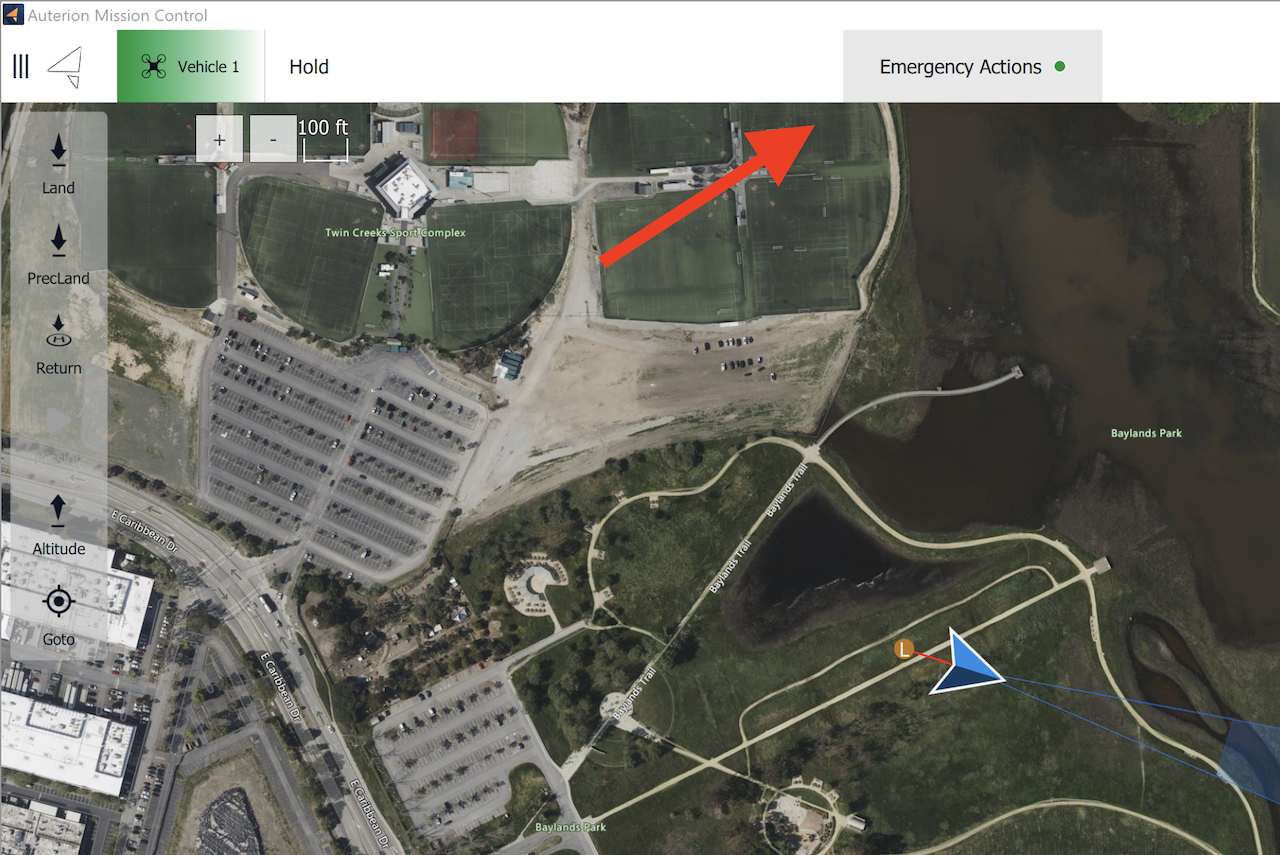
Press and hold the “Hold to Confirm” button to execute the Emergency Shutdown. Once executed, the motors will immediately terminate operation (i.e. stop) and the parachute will deploy.
After deployment, the aircraft is required to be serviced in accordance with the UMM by qualified maintenance personnel.
Record last known location — NOTE B.A.T.H.S.
The RPIC shall note the last known battery percentage, altitude, current time, heading, and speed of the aircraft reported on the RPIC Tablet. This shall help with the recovery of the aircraft.
Aircraft — SEARCH, RECOVER
The RPIC and/or available crew member(s) will search and recover the aircraft.